
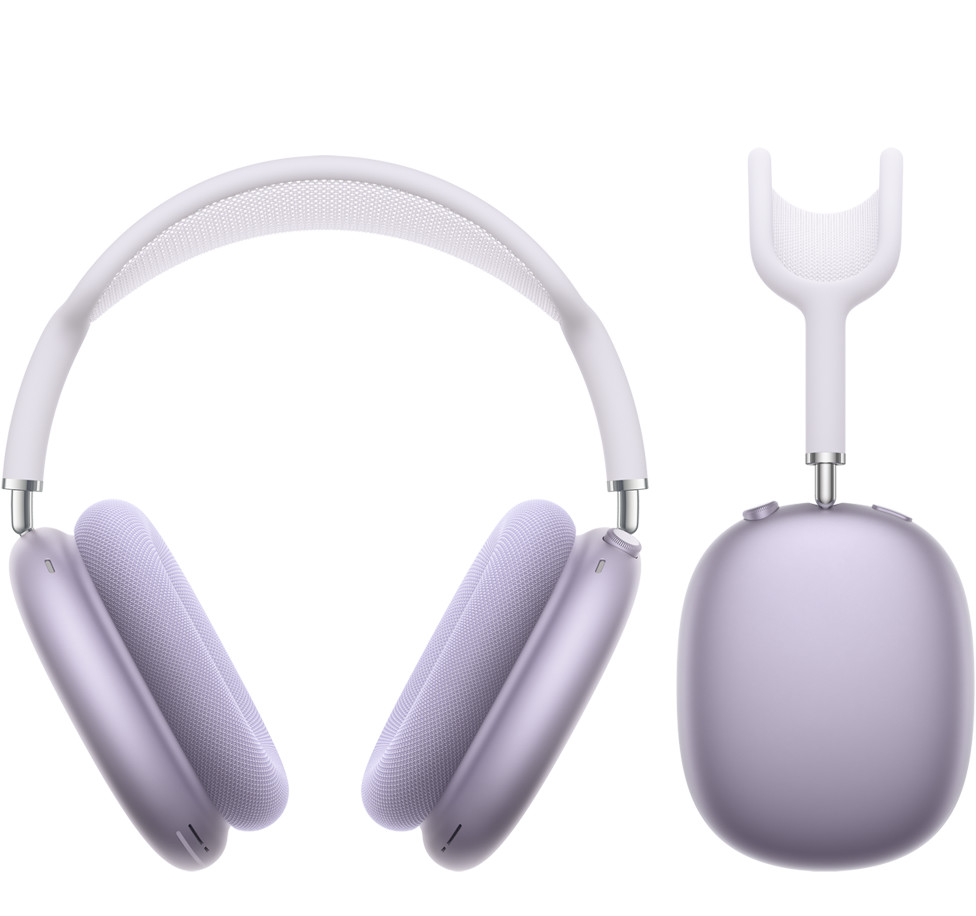
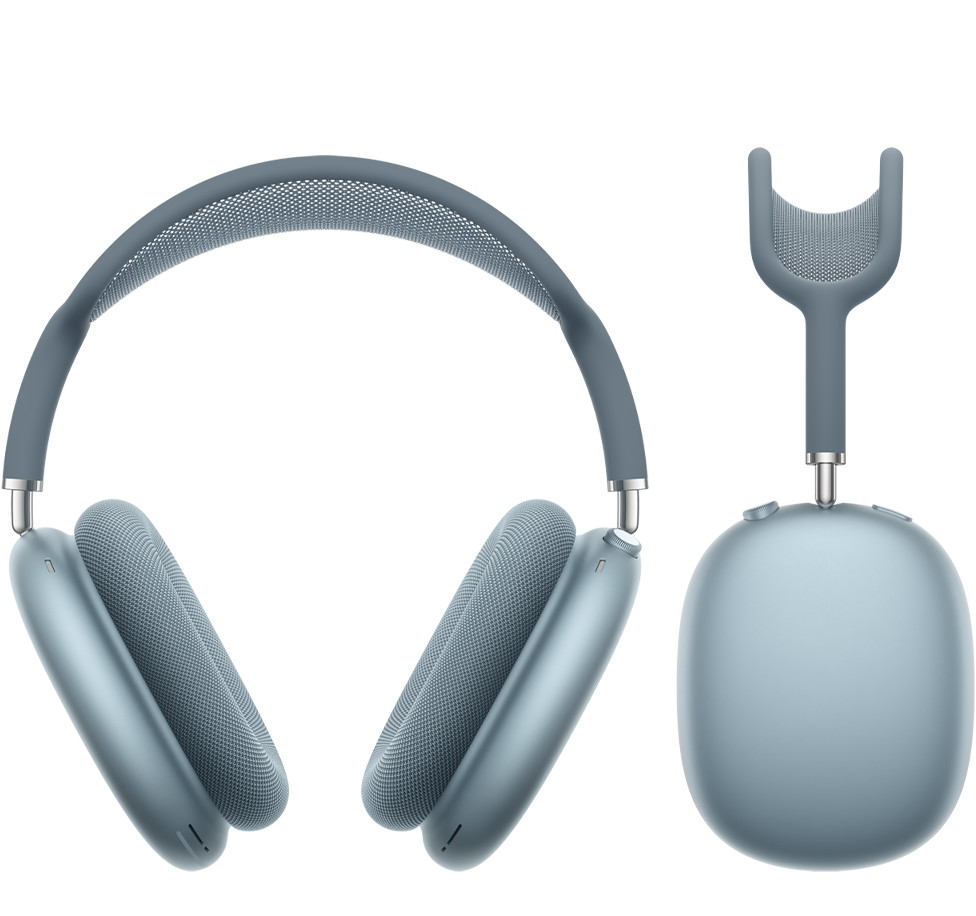
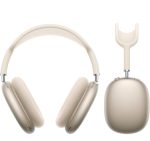
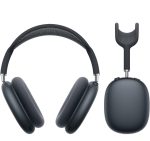
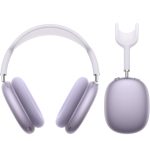
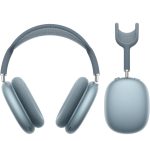

AirPods Max 2 – 2026 – call us for confrim prices
Key Features:
- Audio Technology Apple-designed dynamic driver Custom high dynamic range amplifier Active Noise Cancellation Adaptive Audio1 Transparency mode Conversation Awareness1 Voice Isolation2 Personalized Volume3 Loud Sound Reduction Personalized Spatial Audio with dynamic head tracking4 Adaptive EQ Studio-quality audio recording Lossless Audio and ultra-low latency audio via USB‑C5
-
Live Translation Live Translation for communicating across languages6
- Microphones Nine microphones total: Eight microphones for Active Noise Cancellation Three microphones for voice pickup (two shared with Active Noise Cancellation and one additional microphone)
- Chip Apple H2 headphone chip (each ear cup)
- Controls Digital Crown Turn for volume control Press once to play or pause media Press once to answer a call or mute or unmute7 Press once for camera remote8 Press twice to end a call Press twice to skip forward Press three times to skip back Press and hold for Siri Listening mode button Press to switch between listening modes Siri Say just “Siri”9 or ”Hey Siri” to do things like play a song, make a call, or get directions Siri Interactions10
- Battery AirPods Max 2 Up to 20 hours of listening time on a single charge with Active Noise Cancellation enabled12 AirPods Max 2 with Smart Case Storage in the Smart Case preserves battery charge in ultra-low-power state Charging via USB‑C
- Connectivity Bluetooth 5.3 wireless technology
- In the Box AirPods Max 2 Smart Case USB‑C Charge Cable Documentation
- System Requirements iPhone models with the latest version of iOS iPad models with the latest version of iPadOS Apple Watch models with the latest version of watchOS Mac models with the latest version of macOS Apple TV models with the latest version of tvOS Apple Vision Pro with the latest version of visionOS AirPods can be used as wireless Bluetooth headphones with Apple devices using earlier software and with non-Apple devices, but functionality may be limited.
Note* Due to Rapid Change in Exchange Rate, all the Prices are affected so please re-confirm the prices before ordering – Call or Whatsapp: 0335-2253184 or email us: info@appleshop.com.pk
Key Features:
- Audio Technology Apple-designed dynamic driver Custom high dynamic range amplifier Active Noise Cancellation Adaptive Audio1 Transparency mode Conversation Awareness1 Voice Isolation2 Personalized Volume3 Loud Sound Reduction Personalized Spatial Audio with dynamic head tracking4 Adaptive EQ Studio-quality audio recording Lossless Audio and ultra-low latency audio via USB‑C5
-
Live Translation Live Translation for communicating across languages6
- Microphones Nine microphones total: Eight microphones for Active Noise Cancellation Three microphones for voice pickup (two shared with Active Noise Cancellation and one additional microphone)
- Chip Apple H2 headphone chip (each ear cup)
- Controls Digital Crown Turn for volume control Press once to play or pause media Press once to answer a call or mute or unmute7 Press once for camera remote8 Press twice to end a call Press twice to skip forward Press three times to skip back Press and hold for Siri Listening mode button Press to switch between listening modes Siri Say just “Siri”9 or ”Hey Siri” to do things like play a song, make a call, or get directions Siri Interactions10
- Battery AirPods Max 2 Up to 20 hours of listening time on a single charge with Active Noise Cancellation enabled12 AirPods Max 2 with Smart Case Storage in the Smart Case preserves battery charge in ultra-low-power state Charging via USB‑C
- Connectivity Bluetooth 5.3 wireless technology
- In the Box AirPods Max 2 Smart Case USB‑C Charge Cable Documentation
- System Requirements iPhone models with the latest version of iOS iPad models with the latest version of iPadOS Apple Watch models with the latest version of watchOS Mac models with the latest version of macOS Apple TV models with the latest version of tvOS Apple Vision Pro with the latest version of visionOS AirPods can be used as wireless Bluetooth headphones with Apple devices using earlier software and with non-Apple devices, but functionality may be limited.
Note* Due to Rapid Change in Exchange Rate, all the Prices are affected so please re-confirm the prices before ordering – Call or Whatsapp: 0335-2253184 or email us: info@appleshop.com.pk
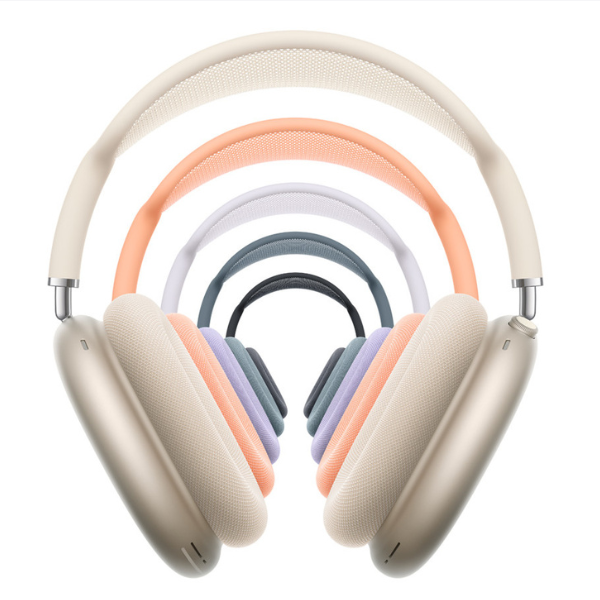
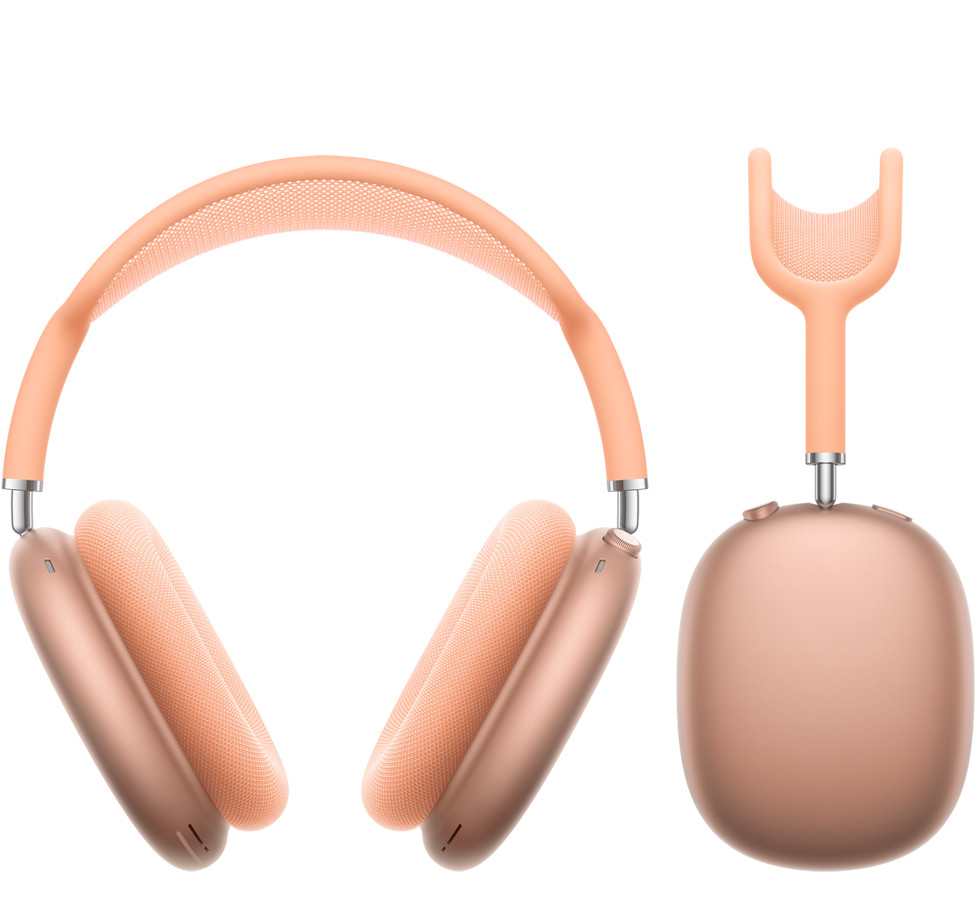
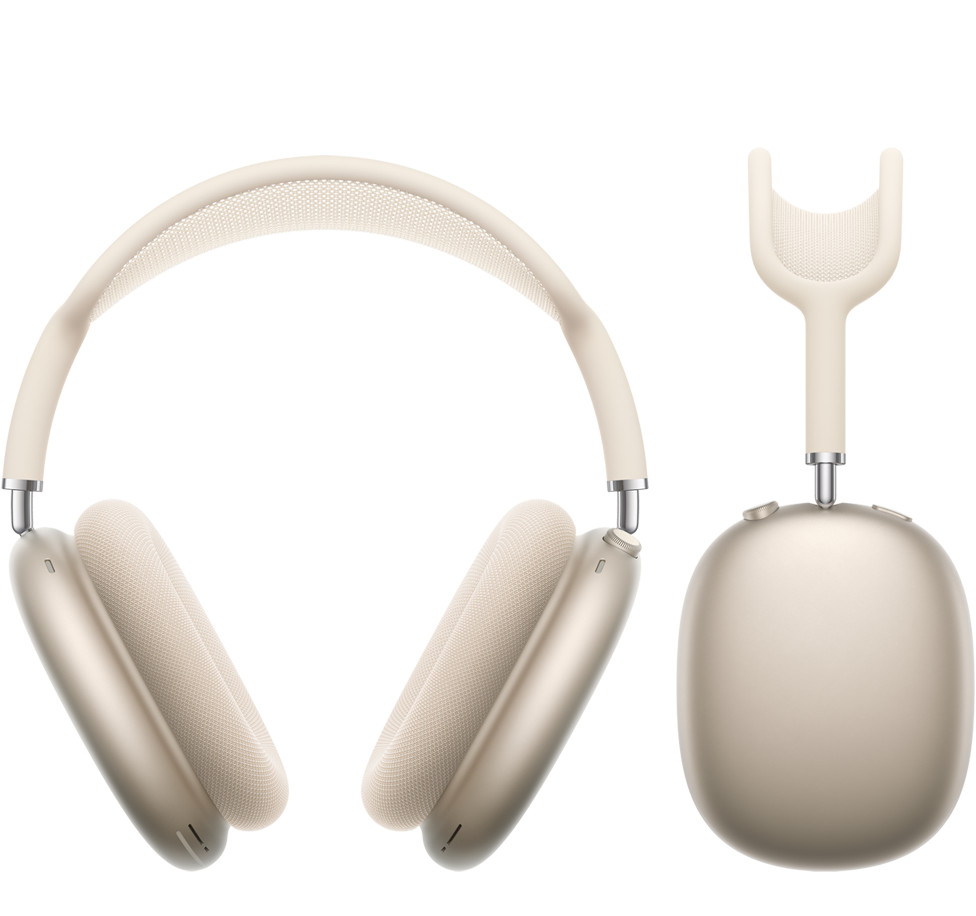
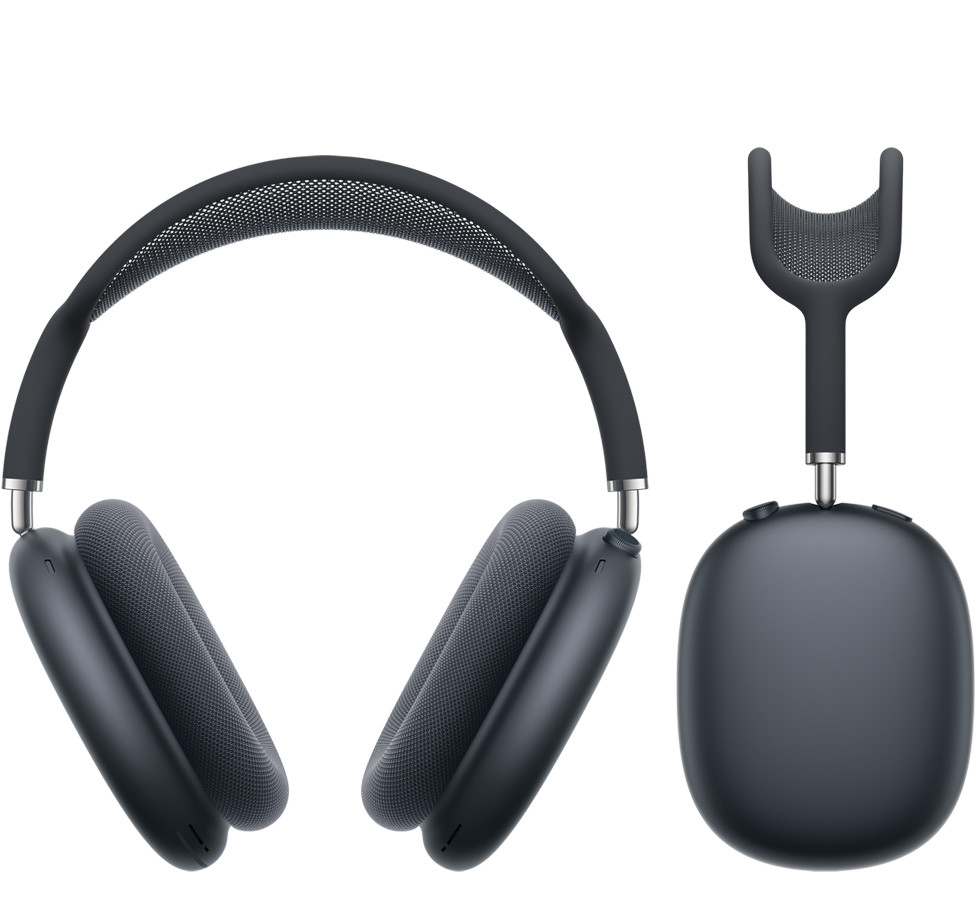
| Color | Blue, midnight, orange, purple, Starlight |
|---|
Related products
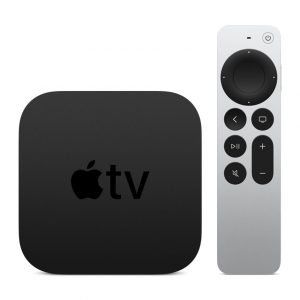
Apple Tv 4k 64gb MXH02LL ( 6th generation)
Apple TV 6th generation 4K 64GB
- Purchases, rentals, and Home Sharing require an Apple ID that you use for the App Store and other Apple services.
- Requires 802.11 wireless, Ethernet network, or broadband internet access
- Requires 4K and HDR TV for 4K and HDR streaming
- Processor; A12 Bionic chip with 64-bit architecture
Ports
- HDMI 2.14
- 802.11ax Wi‑Fi 6 with MIMO; simultaneous dual band (2.4GHz and 5GHz)
- Thread
- Gigabit Ethernet
- Bluetooth 5.0 wireless technology
- Apple TV 4K
- Siri Remote
- Power cord
- Lightning to USB cable
- Documentation
Apple Tv 4k 32gb MXGY2LL ( 6th Generation)
Apple TV 6th generation 4K 32GB
- Purchases, rentals, and Home Sharing require an Apple ID that you use for the App Store and other Apple services.
- Requires 802.11 wireless, Ethernet network, or broadband internet access
- Requires 4K and HDR TV for 4K and HDR streaming
- Processor; A12 Bionic chip with 64-bit architecture
Ports
- HDMI 2.14
- 802.11ax Wi‑Fi 6 with MIMO; simultaneous dual band (2.4GHz and 5GHz)
- Thread
- Gigabit Ethernet
- Bluetooth 5.0 wireless technology
- Apple TV 4K
- Siri Remote
- Power cord
- Lightning to USB cable
- Documentation

USB-C to USB Adapter – MJ1M2
Product Information
-
The USB-C to USB Adapter lets you connect iOS devices and many of your standard USB accessories to a MacBook with USB-C port.
Plug the USB-C end of the adapter into the USB-C port on your MacBook, and then connect your flash drive, camera, or other standard USB device. You can also connect a USB cable to sync and charge your iPhone, iPad, or iPod.

Lightning Digital AV Adapter – MD826
Product Information:
-
Use the Lightning Digital AV Adapter with your iPad with Retina display, iPad mini, iPhone 5, and iPod touch (5th generation) with Lightning connector. The Lightning Digital AV Adapter supports mirroring of what is displayed on your device screen — including apps, presentations, websites, slideshows, and more — to your HDMI-equipped TV, display, projector, or other compatible display in up to 1080p HD.
It also outputs video content — movies, TV shows, captured video — to your big screen in up to 1080p HD. Simply attach the Lightning Digital AV Adapter to the Lightning connector on your device and then to your TV or projector via an HDMI cable (sold separately).
Compatibility:
iPhone 5, iPhone 5C, iPhone 5S, iPhone 6, iPhone 6 Plus
iPad with Retina, iPad mini, iPad mini 2, iPad Air, iPad Air 2, iPad mini 3
iPod Touch 5th Generation


Apple 5W USB Power Adapter – MD810
Product Information
-
Featuring an ultracompact design, this power adapter offers fast, efficient charging at home, in the office, or on the go. It works with any Apple Watch, iPhone, or iPod model.
Compatibility:
iPhone, iPhone 3, iPhone 3GS, iPhone 4, iPhone 4S, iPhone 5, iPhone 5C, iPhone 5S, iPhone 6, iPhone 6 Plus
iPod Classic, iPod Nano, iPod Shuffle, iPod Touch
